
Pinterest Video Downloader
We're a free Pinterest downloader to save public Pinterest videos in HD. Please enter a valid Pin link to start.
- No watermark & ads
- Safe & No login
- All devices
How to download video from Pinterest on PC and mobile
3 easy steps to save Pinterest videos

1. Copy the public Pinterest video link
Learn how to copy a Pin link: ·On PC: Open Pinterest.com and find the video Pin you want. Copy the full URL from your browser's address bar, such as https://www.pinterest.com/pin/... ·On mobile: Open the Pinterest app and find the video Pin you want. Tap Share > Copy link to get a short URL like https://pin.it/...

2. Paste it into the input box above
Use the paste button on the left, or right-click to paste the link into Pinpea. You don't need to click the Download button to start the process, as we will automatically begin fetching the video for you.

3. Save HD video to your device
In a few seconds, you can preview the video, download it as an MP4, and save the cover image if you want. ·On PC: Files go to your browser's Downloads folder. ·On Android: Videos go to the Downloads folder and may also appear in your Gallery. ·On iPhone: Videos go to Files > Downloads.
Pinterest link downloader: supported and unsupported pin links
If you find that we can't process the URL you pasted, it is most likely a private link.
| We support almost all public pins | Some links we don't support |
|---|---|
| ✅ Full Pin URLs: pinterest.com/pin/... | ❌ Secret boards, private Pins, or any content that requires a login |
| ✅ Short pin.it share links: pin.it/... | ❌ Pins deleted or made unavailable by their creator |
| ✅ Board links: pinterest.com/username/board/ | - |
| ✅ Country-specific Pinterest domains, including uk.pinterest.com and in.pinterest.com | - |
| ✅ Video Pins, Image Pins, GIFs, Story Pins, Idea Pins, and Reels | - |
| ✅ Profile links: pinterest.com/username/ | - |
| ✅ Multi-Pin share links: pinterest.com/multi-pin-share/ | - |
How to download Pinterest videos to your Gallery or Photos?
On Android
1. Open the Pinterest App
2. Copy the video link
3. Paste it into Pinpea
4. Preview and download the video
5. Make the video appear in your gallery
iPhone / iOS
1. Find the video in the Pinterest app
2. Copy the video Pin link
3. Open Safari and paste the link into Pinpea
4. Preview the video and tap download
5. Save it to Photos
What types of Pinterest content can you download with Pinpea?
Video Pins
Photos (JPG/PNG/WebP)
GIF Pins
Story Pins
Idea Pins
Memes Pins
Reels Pins
Carousels
Profile videos
Boards
Pinterest HD video download: quality explained
Key features of our Pinterest video downloader


Download in HD Quality


Free & unlimited downloads


No watermarks or pop-ups


No extensions or login needed


Supports all Pinterest content

Use Pinpea on any device

High download success rate
Why choose Pinpea Pinterest Downloader to save Pin videos?
Original video quality
Video and audio stay in sync
Supports all Pinterest link types
Good mobile experience
Video preview available
Fast and smooth downloading
Actively maintained by our team
Android only: Get the free Pinterest video downloader APP
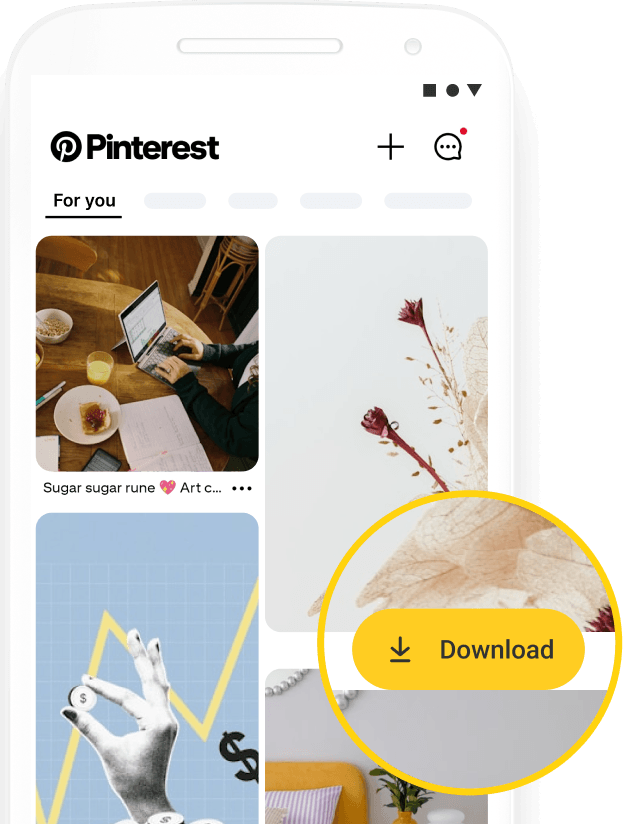
Pinterest to MP4 made easy from your Home Screen

Is Pinpea safe to use?
No Pinterest account needed
Public content only
No sign-up required
Works entirely in your browser
Privacy comes first
Never store your download history
No ads, no tracking
Secure HTTPS connection
FAQ
What is Pinpea?
What will be the quality of my downloaded Pinterest videos?
What format are the downloaded videos in?
Do you have an app?
Can I download a full Pinterest board?
Can I download Pinterest private videos?
Do you support Pinterest GIF downloads?
Can I download Pinterest images?
Can I download Pinterest videos without a watermark?
Can I convert Pinterest to MP3?
Why can't I download videos from Pinterest?
Why did the Pinterest link I pasted fail to process?
Is it legal to download videos from Pinterest?

